 Rock Quick Search
Instant search
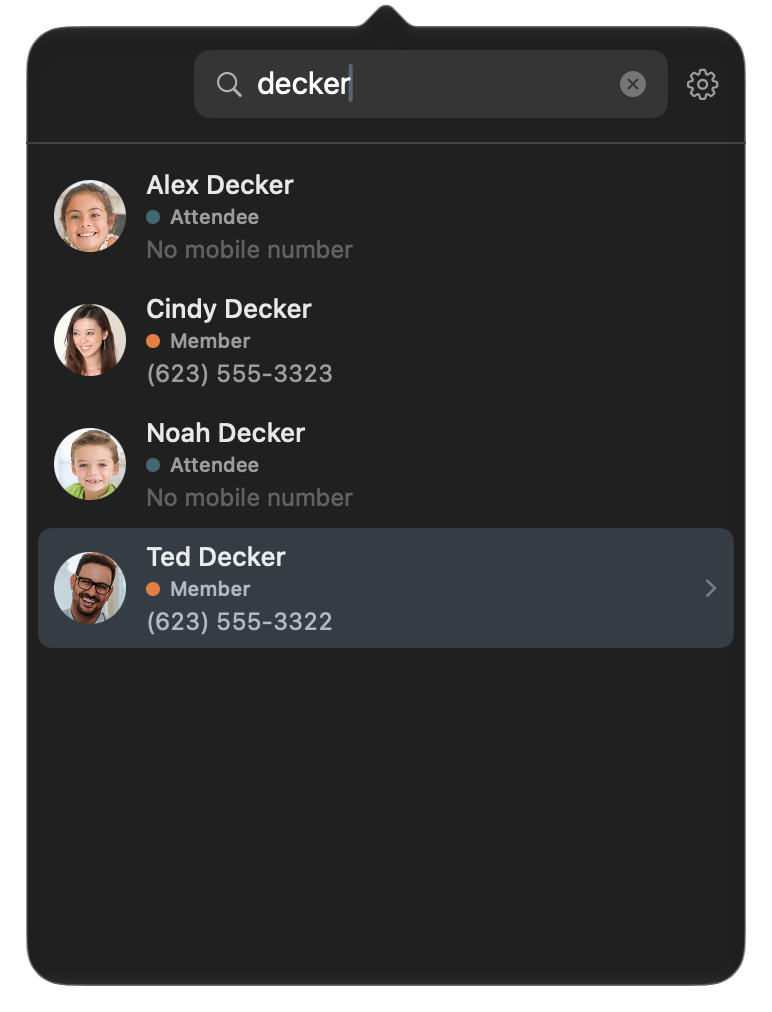
Results with photos and mobile numbers appear as you type. Use the arrow keys and Return to open someone without touching the mouse.
 For church staff · macOS
Rock Quick Search lives in your menu bar and looks up anyone in your church's Rock database in seconds. Type a name, then call, text, FaceTime, or email with one click.
Press ⌥⌘R from any app
Built for the moment someone asks, "Do you have their number?"
Results with photos and mobile numbers appear as you type. Use the arrow keys and Return to open someone without touching the mouse.
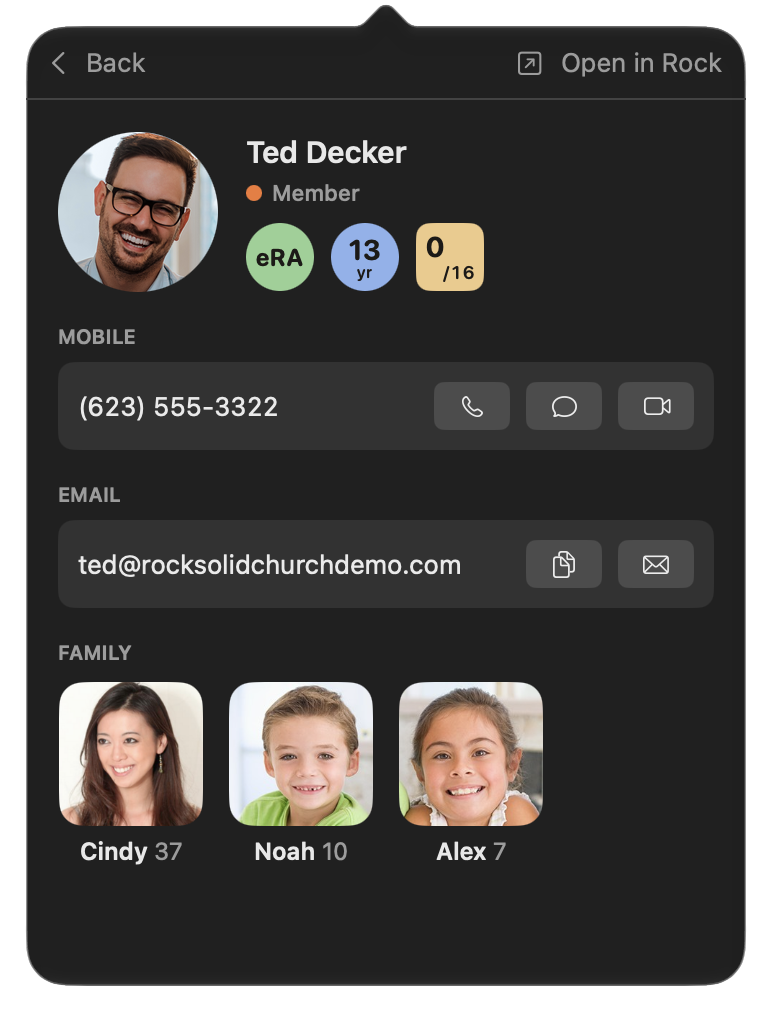
Call, text, FaceTime, or email right from the contact card. Click any number to copy it, or jump to the full profile in Rock.
Unlisted numbers stay hidden. Text opt-outs and "do not email" preferences are honored, and you only see what your Rock account can.
Your congregation's information is sacred. Rock Quick Search treats it that way.
Requires macOS 14 Sonoma or later and a username and password for your church's Rock server.